Opis
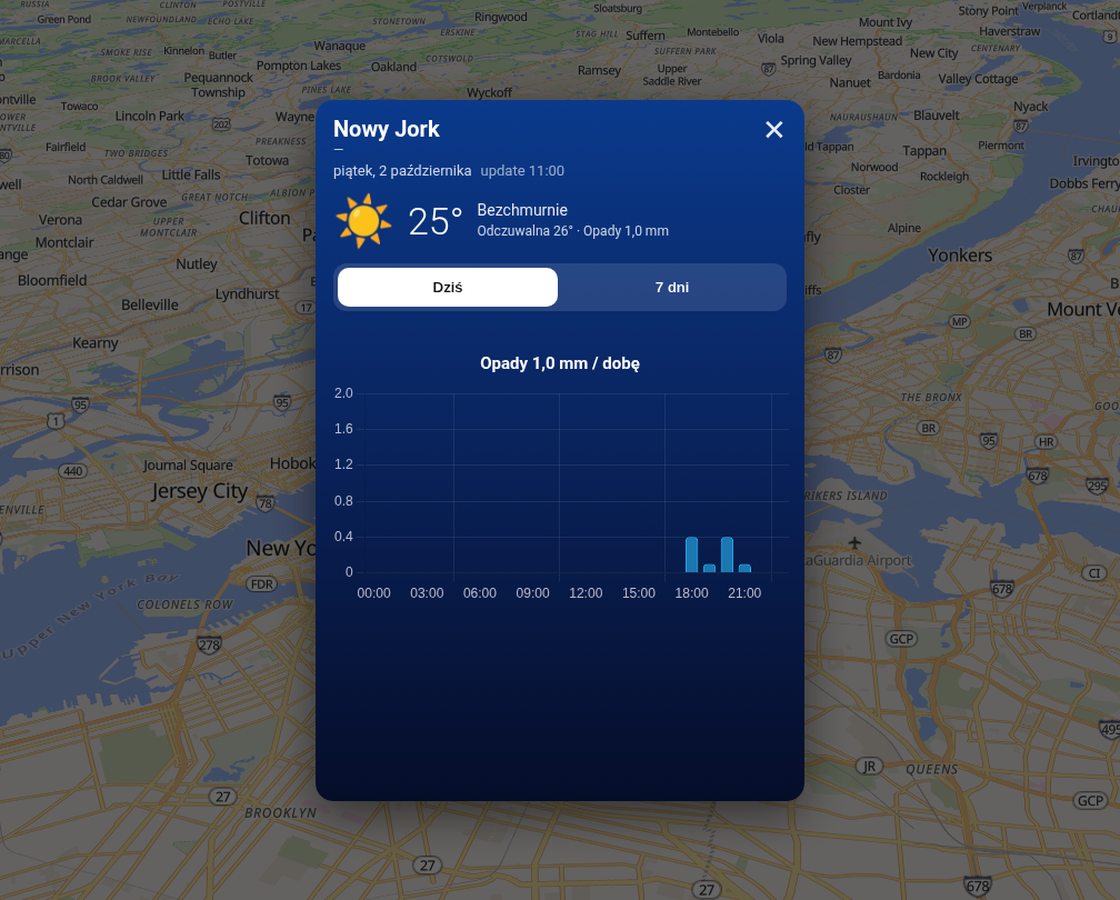
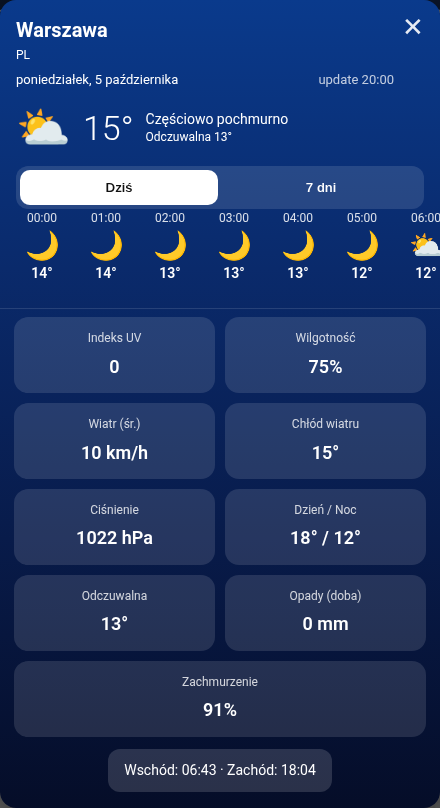
Komponent niewidoczny. Po TWeather.OnDataReady wypełnia pasek godzin w oknie prognozy. Wymaga TWeather na formie — sam pasek nie otwiera okna. Demo pokazuje tylko poziomy scroll godzin (ikona + godzina + temp) — bez całego okna Popup.
Moduł: MapCommon.Weather.Views · Klasa bazowa: TWeatherLinkedView · Platformy: VCL + FMX

Demo na żywo
Sam poziomy pasek godzin (ikony + godziny + temperatury) — bez całego okna.
Poziomy scroll godzin — widać różnicę względem pełnego TWeatherPopup.
▶ ▶ Demo: tylko HourStripHeader + tabs + HourStrip + DayItems + Chart — dla porównania.
▶ ▶ Pełne okno TWeatherPopupFunkcje
- AutoLink /
Weather→ RegisterLinkedView → ApplyJSON. - MaxHours, DayIndex, ShowTemp / ShowTime / ShowDesc.
- Style edytowalne (caption, kolory, fonty) w Object Inspectorze.
- Ikony: WeatherIconEmoji albo własne PNG.
Właściwości
| Właściwość | Opis |
|---|---|
| Weather, AutoLinkComponents, Host | Powiązanie i host ViewJSON. |
| Style.* | Caption, kolory, FontSize, IconSize… |
| UseCustomIcons, CustomIcons | Własne PNG per kod WMO. |
| MaxHours, DayIndex, ShowTemp/Time/Desc | Zakres i zawartość komórek. |
Zdarzenia
| Zdarzenie | Opis |
|---|---|
| OnViewChanged(ViewJSON) | Po przebudowaniu paska. |
Metody
| Metoda | Opis |
|---|---|
| ApplyJSON / ApplyFromWeather / ViewJSON / RefreshHost | Jak Scene — bez sieci. |
Przykłady
FormCreate: Weather + HourStrip + Style
// Klik obszaru → okno z Scene + dane + HourStrip / Chart
procedure TForm1.Areas1AreaClick(Sender: TObject; const Lat, Lon: Double;
  const AreaName, Admin: string);
begin
  Weather1.Area.Kind := wakPoints;
  Weather1.Area.Points.Text := Format('%.4f,%.4f', [Lat, Lon], WeatherInvariantFS);
  Weather1.ForecastKind := wfkHourly;
  FPopupAreaName := AreaName;
  Weather1.Request; // middleware — UI family dostaje OnDataReady przez RegisterLinkedView
end;

procedure TForm1.FormCreate(Sender: TObject);
begin
  Weather1.ApiKey := GetEnvironmentVariable('WEATHER_API_KEY');
  WeatherScene1.Weather := Weather1;     // AutoLink też OK
  WeatherScene1.Labels.Caption := 'Warszawa 25°C';
  WeatherScene1.Host := PanelSky;

  HourStrip1.Weather := Weather1;
  HourStrip1.Style.Caption := 'Godziny';
  HourStrip1.Style.FontSize := 12;
  HourStrip1.UseCustomIcons := False;    // True + CustomIcons = własne PNG

  DayItems1.Weather := Weather1;
  DayItems1.MaxDays := 7;

  // Wiele serii na jednej osi + legenda / ticki / format
  Chart1.Weather := Weather1;
  Chart1.ShowLegend := True;
  Chart1.ShowXTicks := True;
  Chart1.ShowYTicks := True;
  Chart1.XAxisCaption := 'Czas';
  Chart1.YAxisCaption := '°C / %';
  Chart1.YValueFormat := '0.0';
  Chart1.Series.Clear;
  with Chart1.Series.Add do begin
    Title := 'Temperatura'; Parameter := wpTemperature2m;
    Color := '#ff9800'; ChartKind := wckLine;
    ShowPoints := True; PointStyle := wpsFilled; PointOpacity := 0.9;
  end;
  with Chart1.Series.Add do begin
    Title := 'Wilgotność'; Parameter := wpRelativeHumidity2m;
    Color := '#4fc3f7'; ChartKind := wckLine;
    ShowPoints := True; PointStyle := wpsHollow; PointColor := '#0288d1';
  end;
end;
Pełna lista API
Generowana z deklaracji w kodzie (Source/*.pas): wszystkie opublikowane właściwości i zdarzenia TWeatherHourStrip (także dziedziczone), właściwości publiczne i metody publiczne.
Właściwości opublikowane (13)
| Właściwość | Typ | Domyślnie | Opis |
|---|---|---|---|
Weather | TWeather | ||
Host | TComponent | ||
AutoLinkComponents | Boolean | True | Automatycznie łącz pierwszy dostawcę wyszukiwania / TMapAreas / TEditMap z formy |
Active | Boolean | True | |
UseCustomIcons | Boolean | False | |
CustomIcons | TStrings | ||
Style | TWeatherViewStyle | Styl mapy (enum): kafle OSM / satelita / teren / własne (TTileMap*) lub styl wektorowy (T3DMap*) | |
MaxHours | Integer | 24 | |
StartIndex | Integer | 0 | |
DayIndex | Integer | -1 | |
ShowTemp | Boolean | True | |
ShowTime | Boolean | True | |
ShowDesc | Boolean | False |
Zdarzenia (1)
| Zdarzenie | Typ | Opis |
|---|---|---|
OnViewChanged | TWeatherViewEvent |
Właściwości publiczne – tylko w kodzie (1)
| Właściwość | Typ | Opis |
|---|---|---|
LastViewJSON | string |
Metody publiczne (6)
| Metoda | Opis |
|---|---|
procedure ApplyJSON(const JSON: string) | |
procedure ApplyFromWeather | |
procedure Clear | Usuwa własne pliki |
procedure RefreshHost | |
function ViewJSON: string | |
procedure DetectLinkedComponents | Wyszukuje na formie i łączy dostawcę / TMapAreas / TEditMap |
Pełny opis wszystkich właściwości: dokumentacja komponentów map.
Zobacz też
TWeather
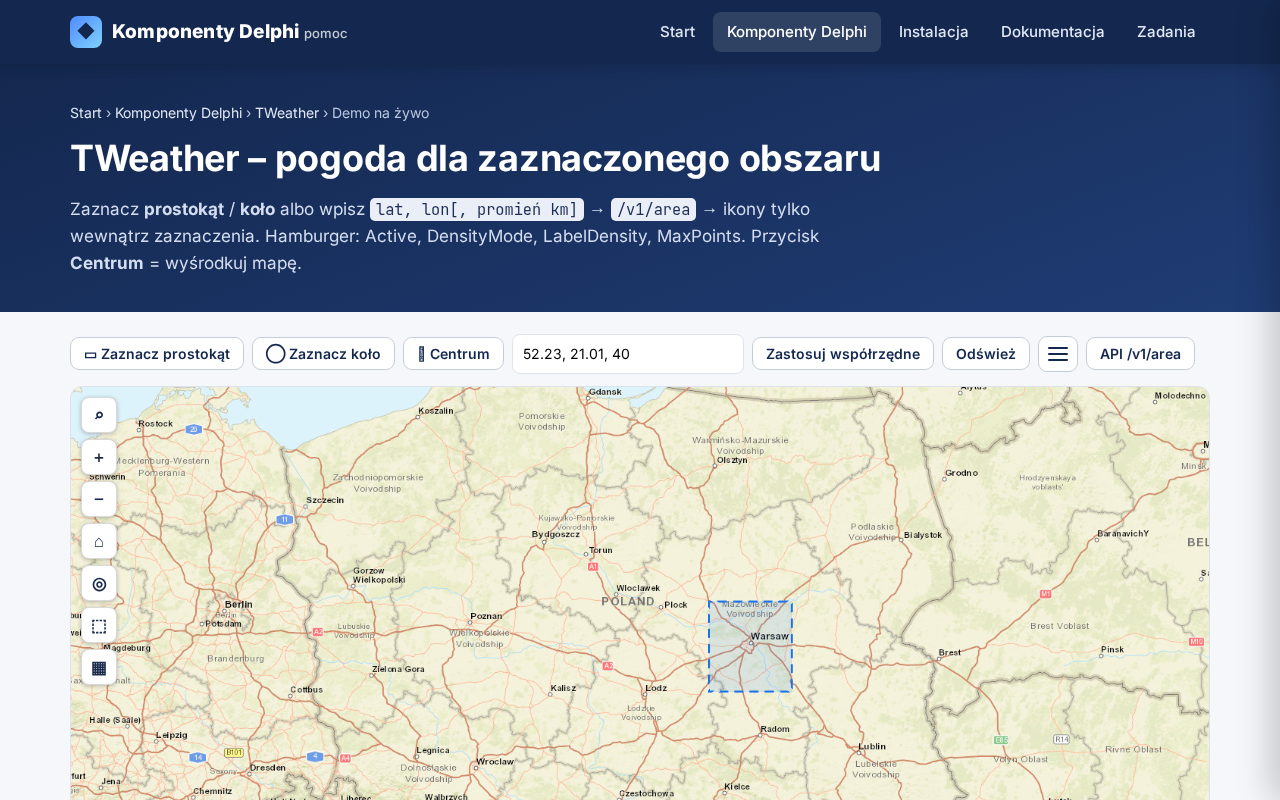
Pogoda na mapie: ikony i temperatura na obszarach (skórki iOS glass / Android / custom); JSON z weather.imetroll.com (current / godzinowo / 7 dni).
TWeatherScene
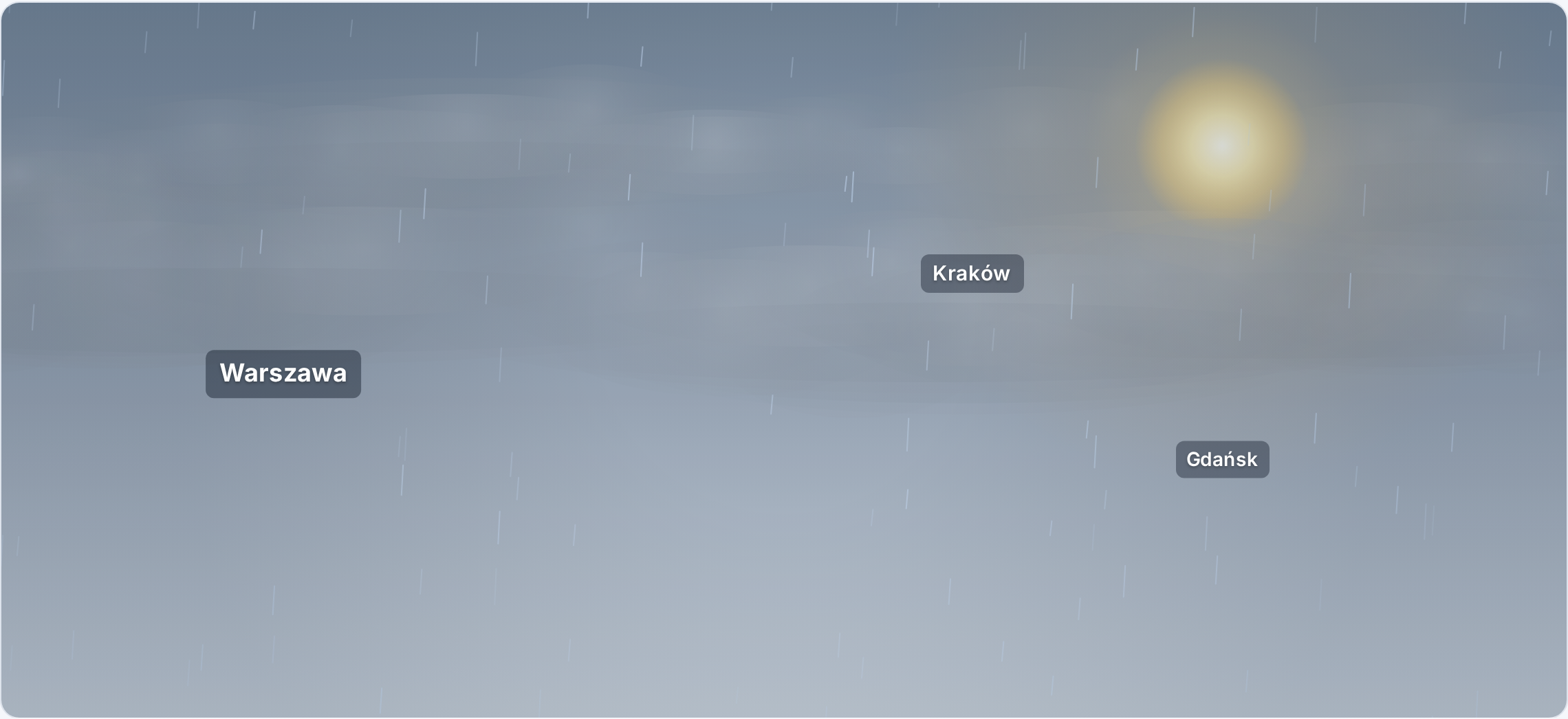
Profesjonalna, realistyczna animacja tła aplikacji pogodowej (nie cartoon): dzień/noc, miękkie chmury, deszcz, słońce, wiatr, gwiazdy. Dane tylko z TWeather — Scene nigdy nie woła serwera.
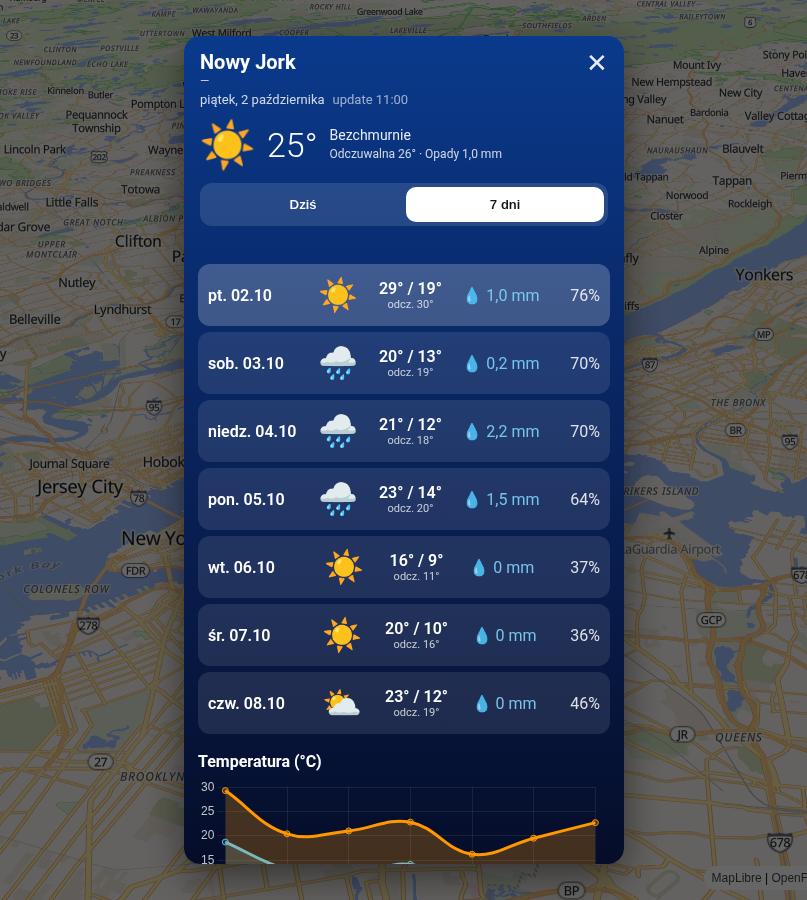
TWeatherDayItems
Prognoza 7 dni w kafelkach (ikona, min/max, opady). Część okna TWeatherPopup.